Task and browser scope
Target browsers, pages and actions agreed.

 EN
ENBring a defined workflow into the browser where your team already works. We build extensions with limited permissions, clear user actions and a documented connection to your business systems.
Start this brief WebSoftLeaderVladimir Nikolaev · specialist WebSoftLeader
Target browsers, pages and actions agreed.
Popup, page controls or side panel implemented.
Required capabilities and domains explicitly limited.
Supported pages, errors and handover tested.
Actual project screenshots. Some client interfaces are in their original language.

Home services in the United States. Actual project screenshots. Some client interfaces are in their original language.
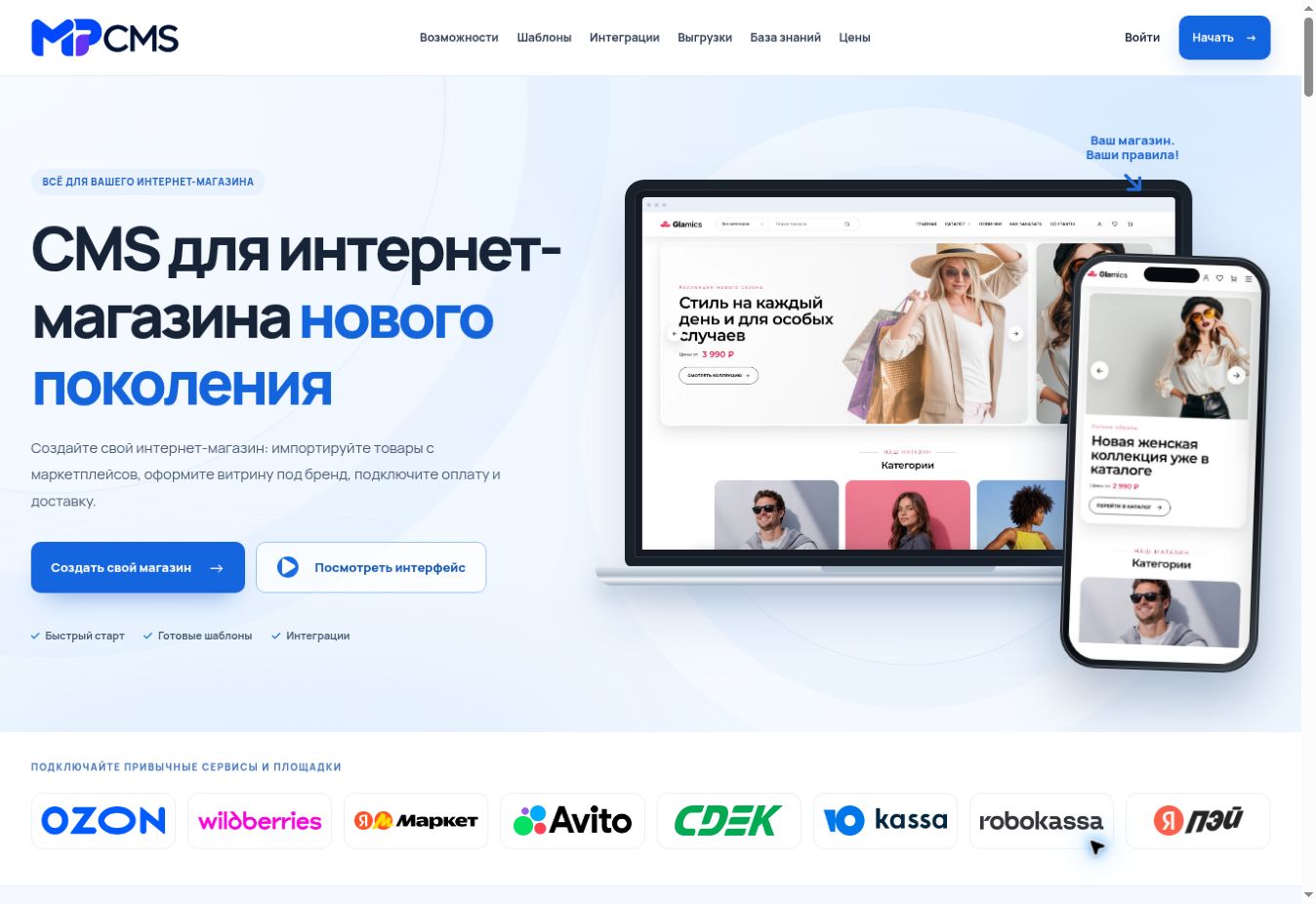
Ecommerce platform. Actual project screenshots. Some client interfaces are in their original language.

Commercial interior projects. Actual project screenshots. Some client interfaces are in their original language.
We define the scope and prepare the agreed first prototype or work plan before payment.
You approve the prototype and pay 30%. We begin the agreed implementation.
We show the main pages and functions or agreed milestone deliverables. After acceptance, you pay the next 30%.
We finish the agreed checks and hand over the project, materials and access. You pay the remaining 40% after acceptance.
Scope agreed before work begins. All prices in USD. Applicable taxes and third-party fees are confirmed in the proposal.
We agree the scope and prepare the first prototype before the first payment. You can review the proposed structure and customer journey before deciding to proceed.
The agreed initial prototype covers the key page or customer journey. For SEO, advertising and other projects without an interface, the first reviewable result is a proposed work plan. The number of screens and revisions is agreed in the brief.
You approve the prototype or work plan and pay 30% of the agreed project price. We then begin implementation.
We demonstrate the agreed main pages and functions, or the named project deliverables. Once you accept this milestone, the next 30% is due.
We complete the agreed checks, deliver the project and hand over the agreed materials and access. The remaining 40% is paid after acceptance.
This schedule applies to projects with a fixed scope. Monthly work and small hourly tasks have separately agreed terms. Advertising spend, hosting, licences and third-party fees are listed separately in the proposal.
We deliver remotely. Briefing, reviews and handover take place online, with the meeting times and working language agreed in advance.
Scope, selection criteria and practical delivery details.
An extension might copy selected fields, prepare a record or add a staff control to an authorized page.
We define the supported websites and what data may leave the page before selecting the architecture.
Temporary active-tab access can suit user-invoked actions. Other tasks may need specific domain permissions.
A browser permission does not grant access to a business record. Server authentication and role checks still apply.
We check missing elements, unsupported pages and unavailable systems. Browser and website updates can affect compatibility.
Vladimir Nikolaev agrees delivery and maintenance with you. Public store submission is a separate step and approval is not guaranteed.
CEO and web development & SEO expert. Web developer and SEO specialist since 2015. Vladimir Nikolaev reviews data rules, implementation choices and acceptance checks with you, so the technical work follows a defined business task.
Answered by Vladimir Nikolaev.
Yes, with an explicit browser list and separate compatibility checks.
Yes. Host permissions can be scoped to the required domains.
Not always. Distribution options depend on the browser and organization.
Only through supported, authenticated operations with the required permissions.

Give your team one place to manage requests, records and approvals. We build browser applications around the work people actually do, with clear access rights and a practical first release.

Add the function your website is missing without rebuilding the whole system. We develop extensions with a defined job, manageable settings and checks against your current platform.

Help buyers estimate a service or configure a product before they contact you. We turn your pricing rules into a clear calculation, with useful explanations and a route to a qualified inquiry.
Send the target pages and expected result. We will define permissions and the delivery scope.