We build software that sees deeper.
WebSoftLeader develops professional desktop applications for cybersecurity, technical web intelligence, business data discovery, and AI-assisted software engineering.
PatchRay Security
Vulnerability analysis, read-only SSH audits, and local AI manager.
CrawlRay SEO
Technical website crawler, redirects mapper, and indexability audits.
LeadRay B2B
Map campaign lead scrapper, email validator, and structured export.
DeepCode AI
Agentic IDE workspace, visible shell commands, and interactive diffs.
Security
Risk discovery, prioritization and security analysis.
Web Intelligence
Technical crawling and deep website analysis.
Business Data
Structured company and contact discovery.
AI Engineering
Software development with a context-aware agent.
Four applications. One engineering ecosystem.
Each WebSoftLeader product solves a different professional task while following the same standards for safety, performance, transparency and user control.
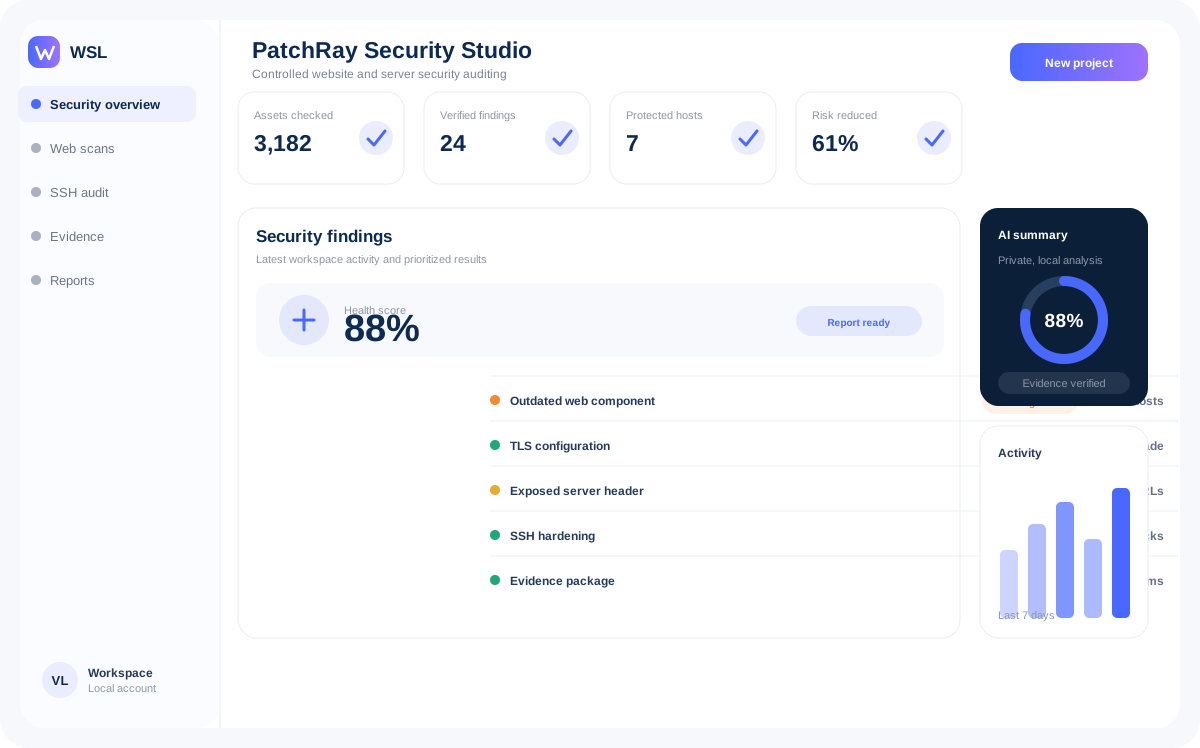
PatchRay Security Studio
PatchRay Security Studio is a desktop security audit workspace providing risk cataloging, server connection maps, and local GGUF model analysis.
- Vulnerability Findings Management (Critical to Info classification)
- Read-only SSH auditing profiles (Keychain integration, no write actions)
- Local AI model downloader and runner interface (CPU/RAM limit configuration)
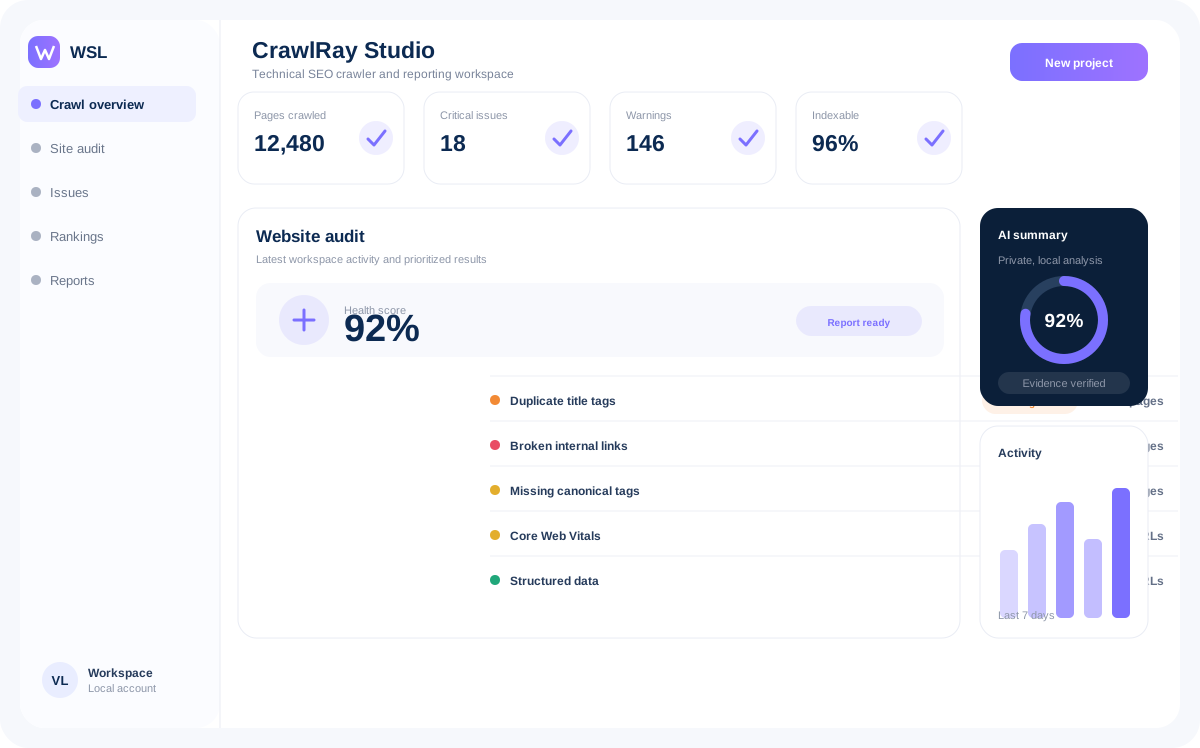
CrawlRay Studio
CrawlRay Studio is a multi-threaded desktop web crawler that audits complete domain architectures, locating broken links, redirect chains, and indexing conflicts.
- High-speed URL scanning with custom speed throttling
- Indexability diagnostic (robots, canonical, meta-robots mapping)
- Historical crawl comparisons showing fixed and new technical errors
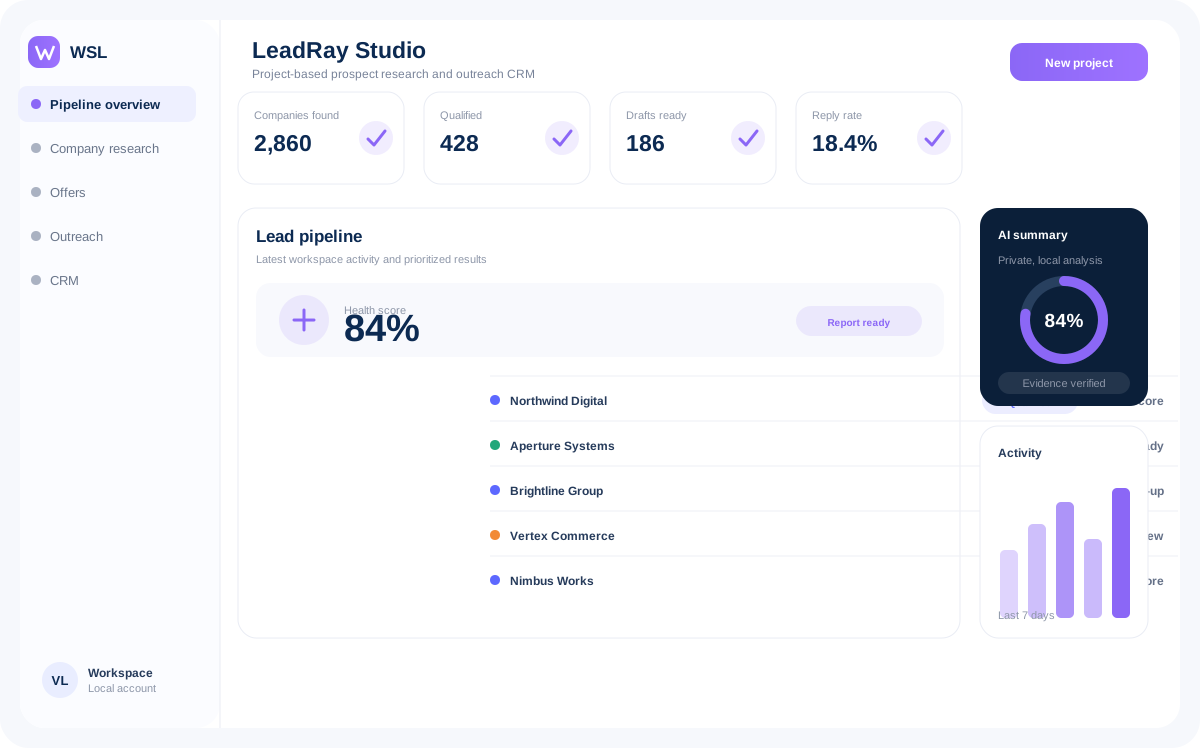
LeadRay Studio
LeadRay Studio crawls geographic directories to generate structured directories of public businesses. It extracts names, clean domains, phone lists, and profiles.
- Targeted geographic B2B search campaigns (pause and resume support)
- Automatic website validator and normalized phone lists builder
- No cloud dependencies: direct CSV, Excel, and JSON exports
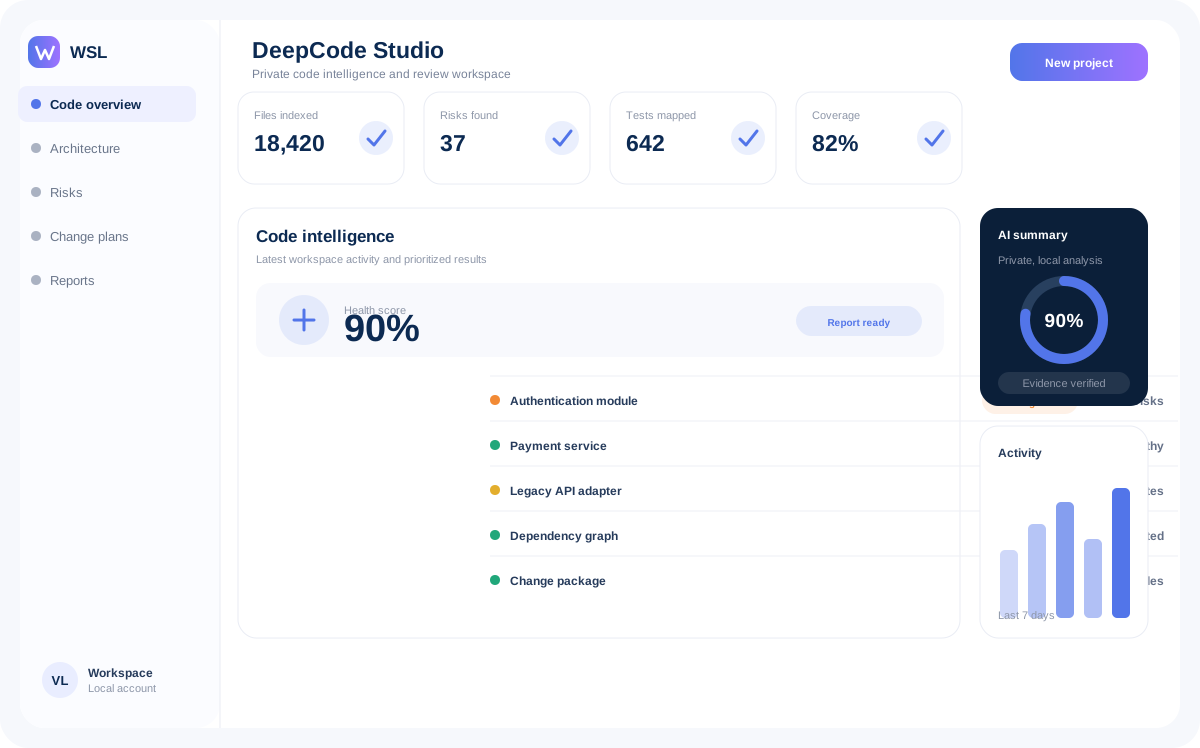
DeepCode Studio
DeepCode Studio is a desktop AI programming environment built on a step-by-step agent workflow. It edits files, runs local tests, and shows clear diff records.
- Multi-file structural directory context indexing
- Human-in-the-loop shell commands execution confirmations
- Visual git change tracking, rollback checks, and progress metrics
Ecosystem Platform Principles
Local-first
Critical project data, reports and supported AI models can remain on the user’s device without mandatory transfer to third-party services.
Observable processes
Tasks, subprocesses, logs, errors, progress, resource usage and background operations remain visible and understandable.
Modular architecture
Individual engines, scanners, integrations and AI components can be updated and developed independently.
Human control
AI can explain, summarize, classify and generate content, but important, destructive or security-sensitive actions require explicit confirmation.
Product Development Principles
Strong visual hierarchy
Clear visual structures help professionals parse information and determine priority actions instantly.
Safe defaults
Secure configurations are active out of the box. No auto-uploads, no write permission defaults.
Practical performance
Desktop performance is optimized for low CPU/RAM footprint, enabling heavy tasks without system lag.
Value without cloud lock-in
All files, campaigns, and databases are stored locally in standard readable formats.
Reports that lead to action
Scanners generate actionable reports, separating minor notices from critical blocker defects.
One common product language
Uniform shortcuts, icons, and menus make transition between our apps intuitive.
Ecosystem Development Lifecycle
SSH Auditing & Findings Core
Consolidating security findings datasets, managing local llama.cpp servers, and locking read-only SSH.
High-Speed Crawl Core
Optimizing SQLite SQLite database write speeds and refining multi-threaded indexability scanners.
Maps campaigns & validation
Implementing regional directory scraping, verification queues, and address phone formatters.
AI IDE Workspace Shell
Designing the multi-file context manager, visible git diff boards, and safe execution wrappers.
Frequently Asked Questions
What is WebSoftLeader?
WebSoftLeader is an independent software intelligence studio developing professional desktop applications for cybersecurity, technical SEO website audits, B2B lead discovery, and agentic AI software development.
Which operating systems are supported?
All WebSoftLeader applications are designed cross-platform and will support macOS (Apple Silicon & Intel), Windows 10/11, and modern Linux distributions (Ubuntu, Fedora, Debian).
Can the applications work without cloud services?
Yes, our applications follow a local-first philosophy. Scanning engines, crawlers, databases, and AI models execute directly on your local workstation without forcing mandatory internet sync or cloud lock-in.
Does AI execute commands automatically?
No. Our AI integrations are human-controlled. Any potentially destructive or system-altering actions, such as editing code, executing terminal scripts, or altering files, require explicit confirmation before execution.
Is project data sent to external services?
No, all target files, scanned domains, database directories, and security logs remain strictly within your device's local folder. External APIs are only queried if you manually enable integrations.
Are the products already available?
WebSoftLeader applications are in varying stages of the development lifecycle, ranging from product concepts to active early-access builds. See our roadmap for exact product phase details.
Can businesses request custom functionality?
Yes, we specialize in custom business data solutions and intelligence tooling. You can discuss licensing, integrations, or specific development targets with our architect on Telegram.
How can I follow product development?
Our roadmap page is updated regularly. You can also contact our team directly through our Telegram handle @mr_dadbod to ask about early access testing.
Is a local AI model required?
No. The AI assistance features in all our applications are entirely optional. The underlying engines (scanners, scrapers, crawlers) run at full performance even if the AI modules are disabled.
Can the applications be used without AI?
Yes. All core utility workflows are designed around static engineering tools. AI features are positioned as supportive explanatory overlays and are not required for scanning or collection.
Professional Desktop Software for Teams That Need Real Control
WebSoftLeader develops professional desktop applications designed for cybersecurity, technical SEO website analysis, B2B lead discovery, and context-aware AI software engineering. Our software intelligence studio builds standalone solutions optimized for local-first execution. Unlike modern SaaS applications that force users to upload their code, logs, and database directories to external clouds, WebSoftLeader keeps your critical files on your device. We create tools that see deeper, helping security specialists, site architects, sales teams, and advanced developers execute complex engineering tasks without data safety compromises, recurring cloud fee models, or platform lock-in.
Why Desktop Applications Are Essential for Professional Workflows
In the modern web development and security landscape, there has been a massive shift towards cloud platforms. While cloud tools offer convenience, they introduce significant problems for professionals. Running security audits, technical site crawls, or database scans on cloud nodes requires sending private server keys, codebase structures, and company contact leads to third-party databases. This increases your security exposure, introduces latency, and bounds your workflow to active internet connections and monthly API usage tiers.
WebSoftLeader returns the control to the workstation. By package-distributing our tools as native desktop applications for macOS, Windows, and Linux, we bypass the performance limits of browser screens. Desktop applications can write directly to high-speed local databases, compile files in target directories, interact with local SSH keys, and run offline AI weight files using local hardware. This ensures maximum execution speed, zero upload data risks, and persistent access to your project databases, whether you are connected to the network or working offline.
The Four Pillars of the WebSoftLeader Ecosystem
Every application in our ecosystem—PatchRay Security Studio, CrawlRay Studio, LeadRay Studio, and DeepCode Studio—follows the same design standards, architectural models, and safety guidelines. We focus on four core platform principles:
- Local-First Architecture: Your project files, crawled URLs, scraping campaign results, and security logs are stored on your local disk in standard, readable formats like SQLite databases, CSV logs, or JSON files. You possess full ownership of your research.
- Observable Processes: We don't hide backend actions. Every background scan, multi-threaded request queue, local model loading log, and API query is printed in real-time in a dedicated status panel, allowing you to trace resource usage and errors instantly.
- Modular Components: The parsing engines, crawler queues, and AI models are built as separate packages. This allows you to run our utilities as lightweight command-line scanners or connect custom scripts directly to the underlying databases.
- Human-in-the-Loop AI: AI is an outstanding assistant for explaining vulnerabilities, suggesting code edits, or compiling summaries. However, it should never execute destructive commands, modify server settings, or commit changes without explicit confirmation.
Professional Tools Designed for Modern Standards
WebSoftLeader apps are built with clean visual structures, safe defaults, and optimal performance parameters. Secure configurations are active out of the box, preventing accidental server writes or telemetry leaks. Our user interfaces employ a common design vocabulary, making transition between security scanning, website crawling, and B2B leads analysis intuitive. Explore our applications catalog to find the exact tools for your development lifecycle, and contact our team on Telegram to discuss integrations or custom development requests.